


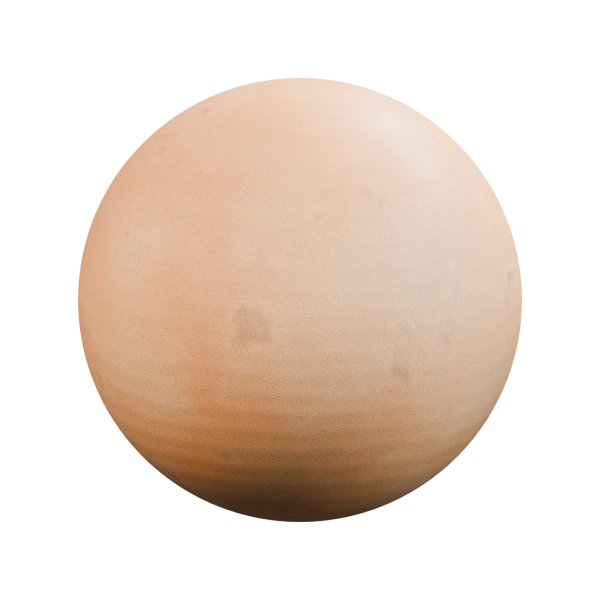
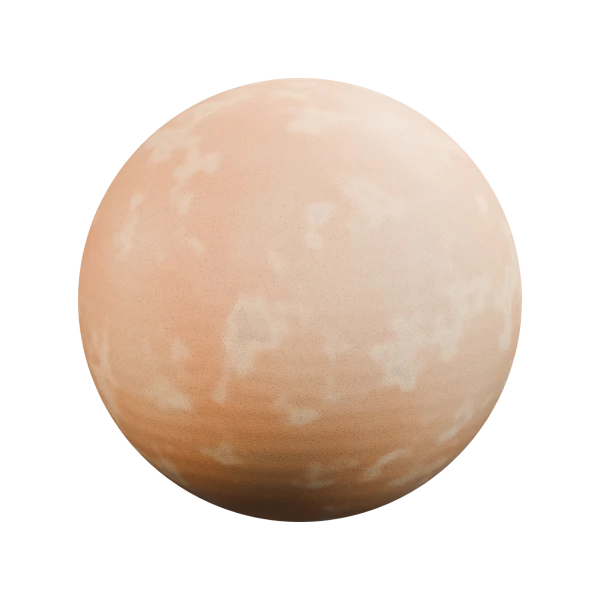
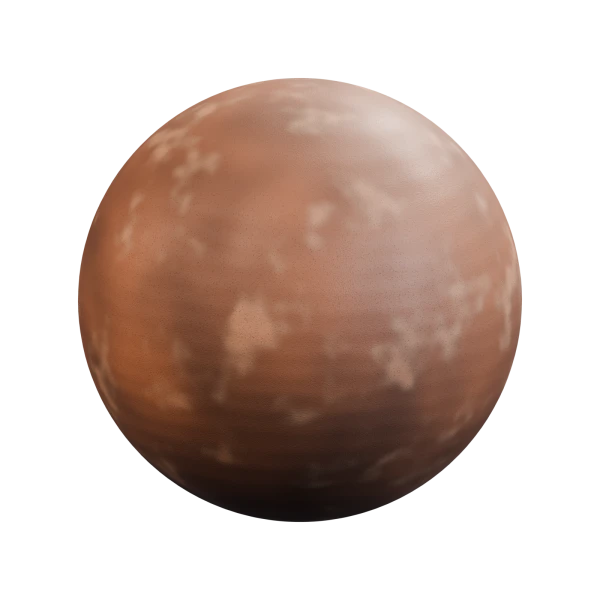
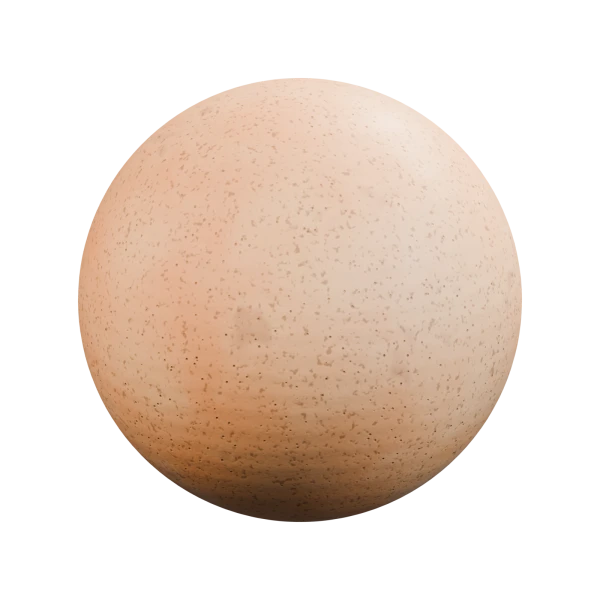
Unglazed terracotta with firing tones, iron flecks and wheel marks
A procedural clay material for Blender: warm, unglazed earthenware with uneven firing tones, small iron flecks, grog pinholes, patches of pale mineral dust and faint wheel marks. It is one material, Clay – Weathered Terracotta, driven by one editable Clay – Controls node group. It is built entirely from shader nodes and uses Object coordinates, so it needs no image textures or UVs.
The gallery shows the default look on the included sample sphere, then three looks made with the material’s own controls: Weathering at 1.0 for heavy dust, darker Clay Light, Clay Dark and Dust Color for a red-brown clay, and Grain Scale at 1 for coarse flecks and pinholes. The file has the default look saved, and the other three only change those settings.
Besides the finished Surface, the node group has Clay Color, Normal and Roughness outputs, so you can layer paint or glaze on top of the clay. Our Ancient Clay Vase uses this same node group with a painted frieze on top.
Features:
- One Clay – Controls node group with every control on the outside
- Clay Light and Clay Dark for the uneven firing tones
- Weathering and Dust Color for pale mineral patches, which also change the roughness
- Base Roughness for the dry, matte finish, with low-sheen burnished patches
- Grain Scale and Grain Relief for the mineral grain, pinholes and faint wheel marks, using bump shading
- Texture Scale for the overall size of the pattern
- Surface, Clay Color, Normal and Roughness outputs for layering
- Renders in Cycles and EEVEE, with no displacement or volumes
- The material and the control group are marked as assets, ready for the Asset Browser
How to use it:
- Append it with File > Append > Material > Clay – Weathered Terracotta, or drag it from the Asset Browser.
- Assign it to your object and apply its scale (Ctrl + A > Scale), because the pattern uses Object coordinates.
- Adjust Texture Scale to fit your object. Higher values make the details finer, and the sample sphere is 21 cm across at the default of 1.0.
- Change Clay Light, Clay Dark and Dust Color for red, buff or dark clay, and raise Weathering for more dust.
- For game engines, bake Base Color, Roughness and Normal onto your model’s UVs, because procedural nodes don’t export through FBX or OBJ.
Perfect for:
- Terracotta pots, vases and bowls
- Unglazed ceramics, figurines and garden ornaments
- Ancient and rustic props
- Roof tiles and other fired clay surfaces
For finished pottery, see our Ancient Clay Vase and Ceramic Vase Collection.
Included Files:
- Blender project (.blend) with the Clay – Weathered Terracotta material and the Clay – Controls node group
- A ready-to-render sample sphere scene with a camera and warm key, cool fill and rim lights, no HDRI needed
- Fully procedural, with no image textures or external files
- Created in Blender 5.2