


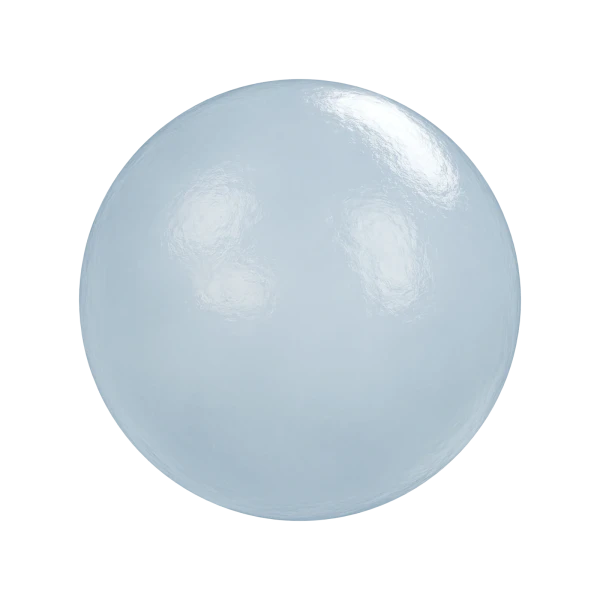
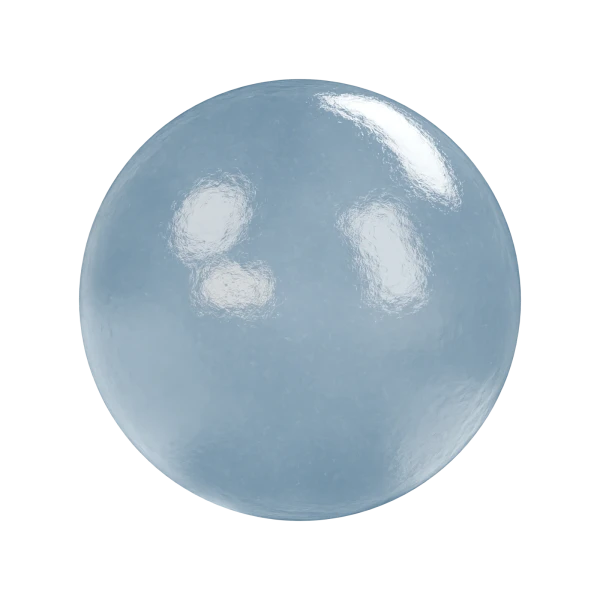
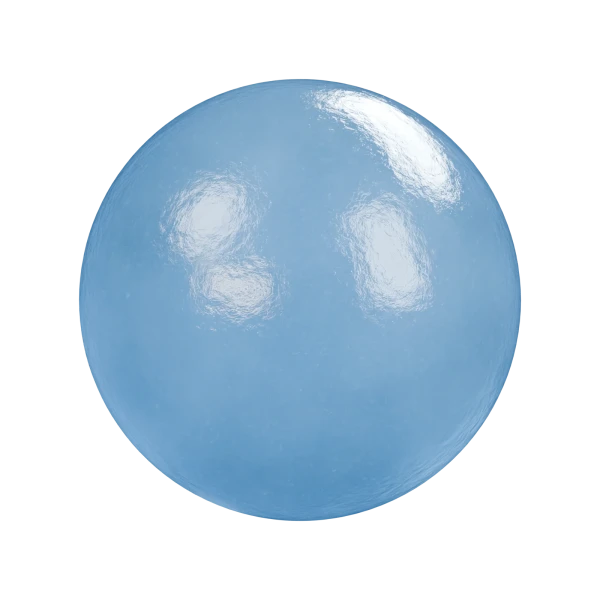
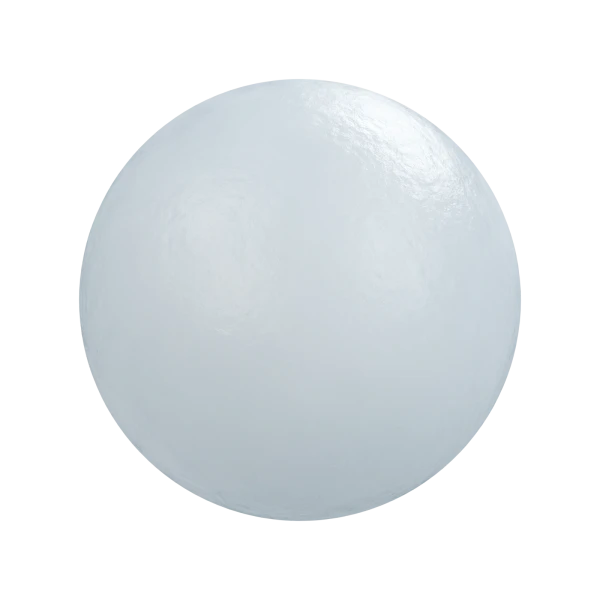
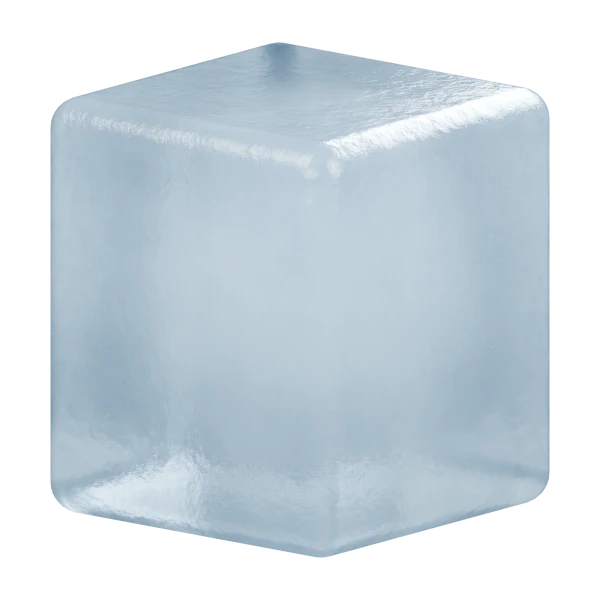
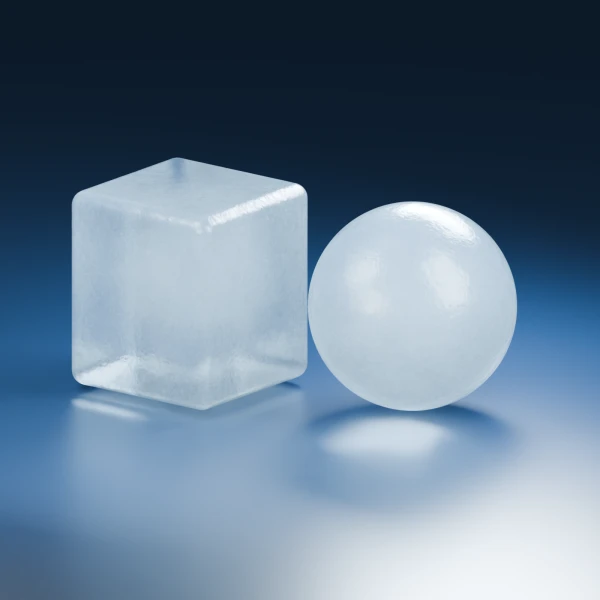
Translucent ice with a cloudy core, frost and air pockets
A procedural ice material for Blender with a rippled surface, fine crystal grain, patchy frost, a cloudy interior and small suspended air pockets. It comes in four presets, Frosted, Clear, Glacier Blue and Polar Frost, which share one editable node group. It is built entirely from shader nodes and uses Generated coordinates, so it needs no image textures or UVs.
The gallery shows each preset on the sample sphere, the Frosted preset on a rounded ice cube, and the studio scene with both. The material combines a refractive surface with a scattering volume inside the object, so it is made for Cycles.
⚠️Cycles recommended, and a heavy render: refraction, transmission and the scattering interior volume need many light bounces and samples. On an RTX 4090, the included 1600 x 1600 sphere scene takes about 2 minutes at 160 samples, and the 1800 x 1200 studio scene a little over 2 minutes at 192 samples. Expect longer renders on slower GPUs and on CPU. Eevee and other render engines will look different, especially inside the ice.
Features:
- Four ice materials driven by one Ice – Controls node group, with Surface and Volume outputs
- Scale and Seed for the overall pattern
- Ice Tint, Frost and Roughness for the surface finish
- Surface Detail and Veins for melted ripples, crystal grain and fine seams, using bump shading
- Cloud Density, Cloud Contrast and Cloudy Core for the cloudy interior
- Bubbles and Bubble Size for small suspended air pockets
- Absorption Tint and Absorption for the color you see through thick ice
- The four materials and the control group are marked as assets, ready for the Asset Browser
How to use it:
- Append a material with File > Append > Material > Ice – Frosted (or another preset), or drag it from the Asset Browser.
- Assign it to a closed, watertight mesh with outward-facing normals, and keep both the Surface and Volume outputs connected.
- The pattern follows the object’s bounding box, so no UVs are needed. The samples are about 2 units across: on much larger objects, lower Cloud Density and Absorption, and raise them on small ones.
- Render in Cycles and keep enough transmission and volume bounces. For quick test renders, lower the resolution or the samples.
- OBJ and FBX can’t carry this shader, and a baked texture set can’t keep the interior volume, so recreate the transmission and volume setup in other software.
Perfect for:
- Ice cubes in drinks and product shots
- Frozen props, ice blocks and icicles
- Winter and arctic scenes
- Fantasy ice crystals and frozen effects
For a stylized see-through look, try our Anime Glass material.
Included Files:
- Blender project (.blend) with the four Ice materials and the Ice – Controls node group
- Three ready-to-render scenes: a sample sphere, a rounded ice cube and a studio shot with both, each with its own camera and area lights, no HDRI needed
- Fully procedural, with no image textures or external files
- Created in Blender 5.2