


Ten seamless scratch masks, from hairline wear to deep gouges
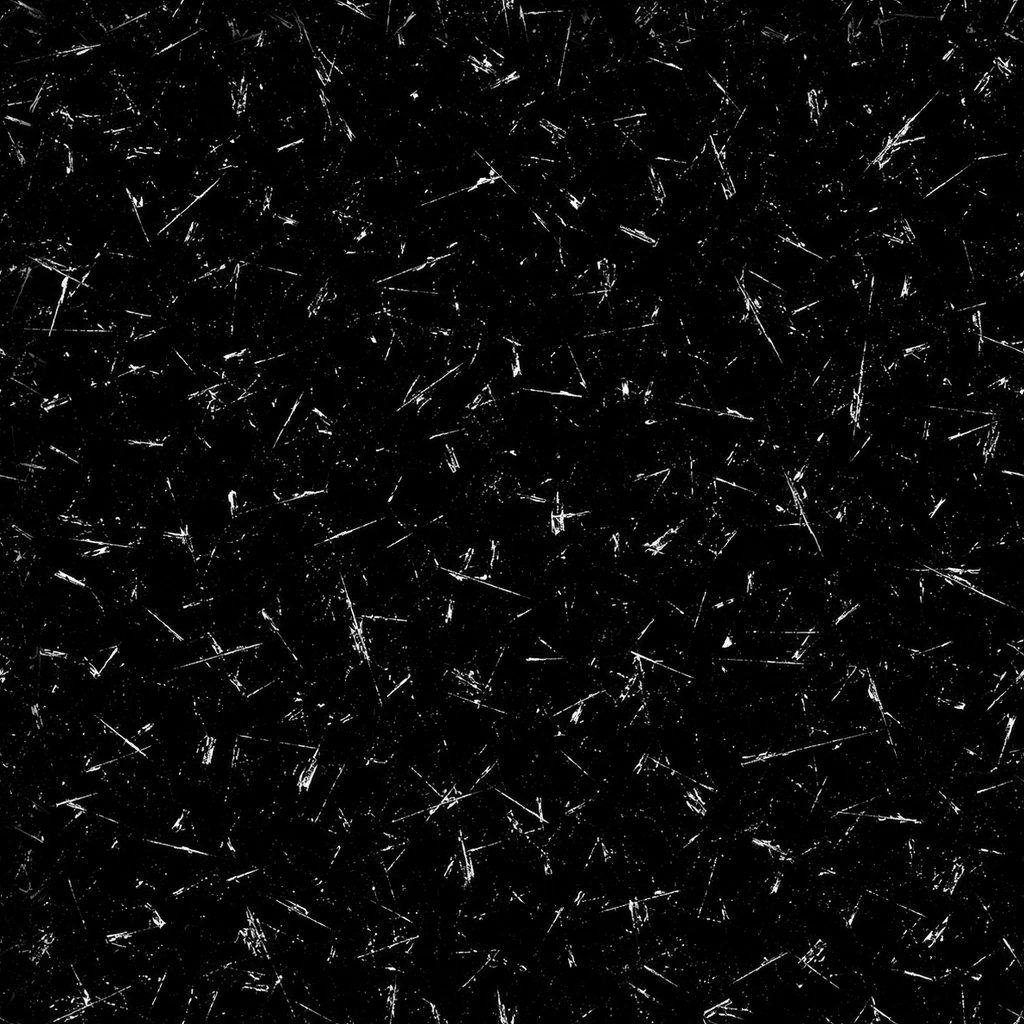
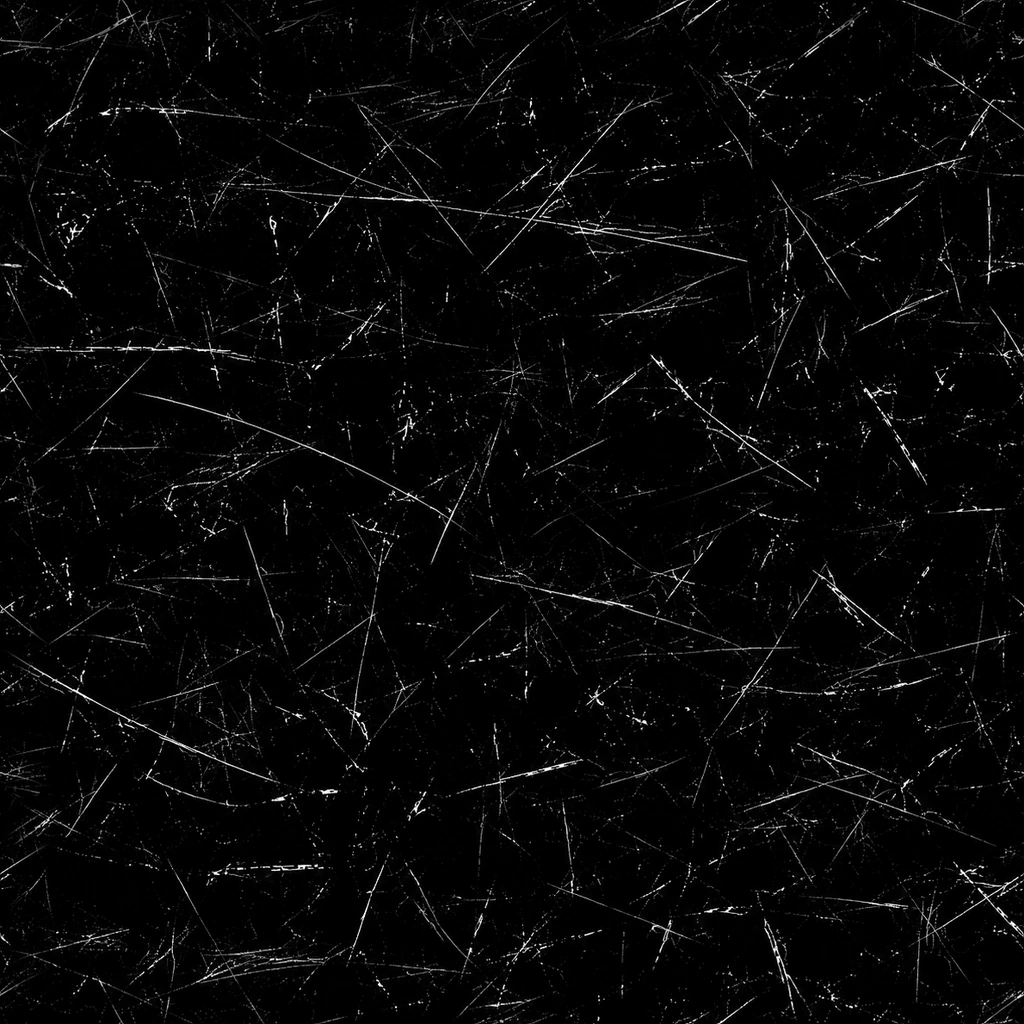
Build surface wear with a varied collection of white-on-black scratch masks. Each design has its own character: fine lines, layered crosshatch, rough gouges, brushed streaks, curved scuffs and clustered scrapes. Seamless edges support repeating coverage across larger surfaces.
The pack includes 30 opaque, 8-bit grayscale PNGs: ten masks at 1024 x 1024, 2048 x 2048 and 4096 x 4096 pixels. Each resolution contains the same ten designs. The 2K and 4K versions are enlarged from smaller masters. Use them as wear, roughness, bump or blend inputs, or as scratch overlays in a compositor. Adjust contrast and intensity to suit.
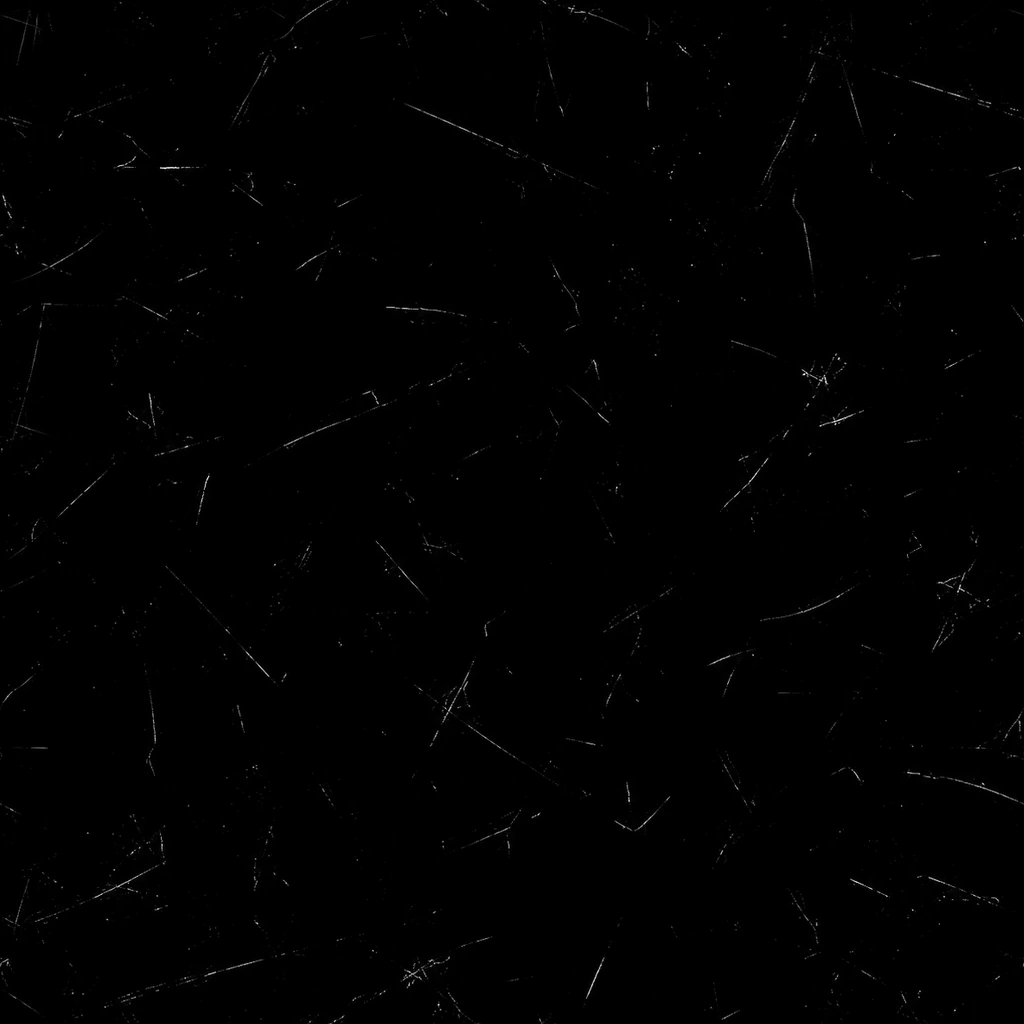
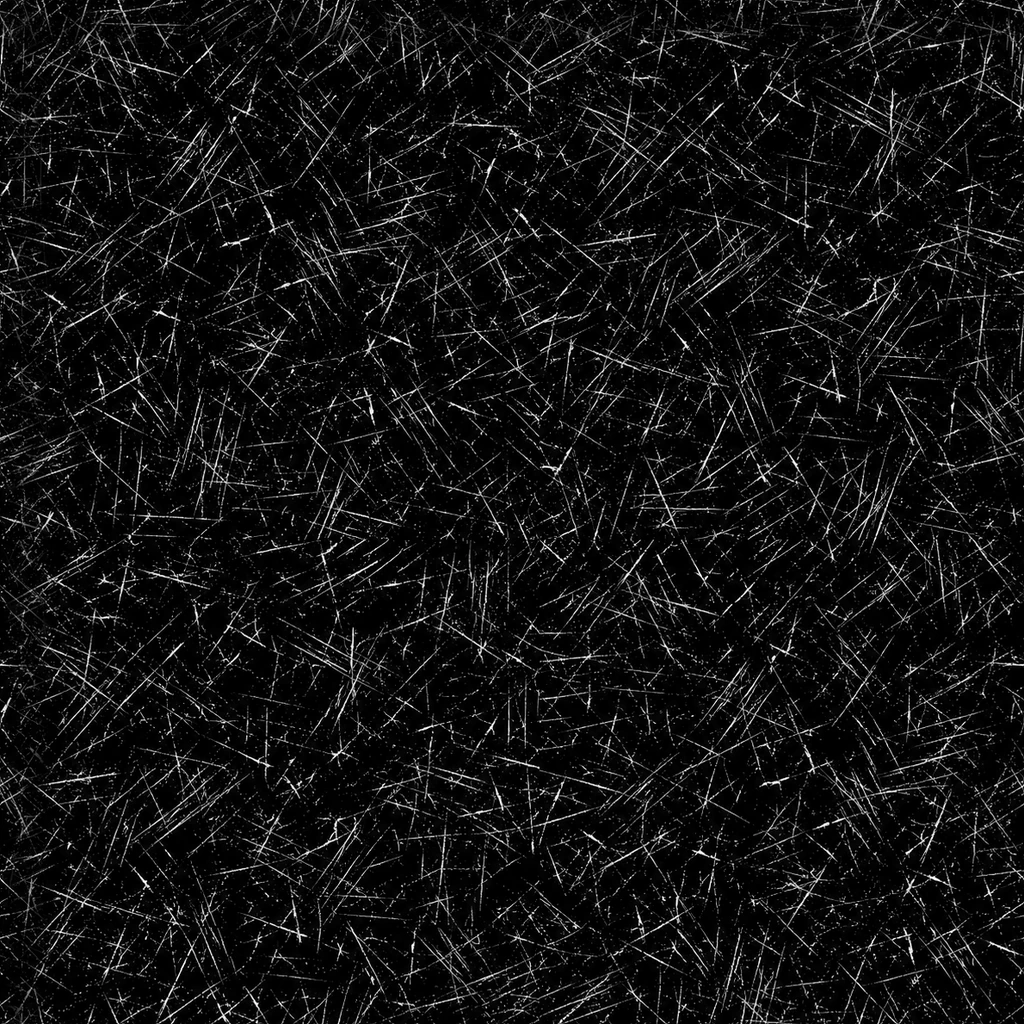
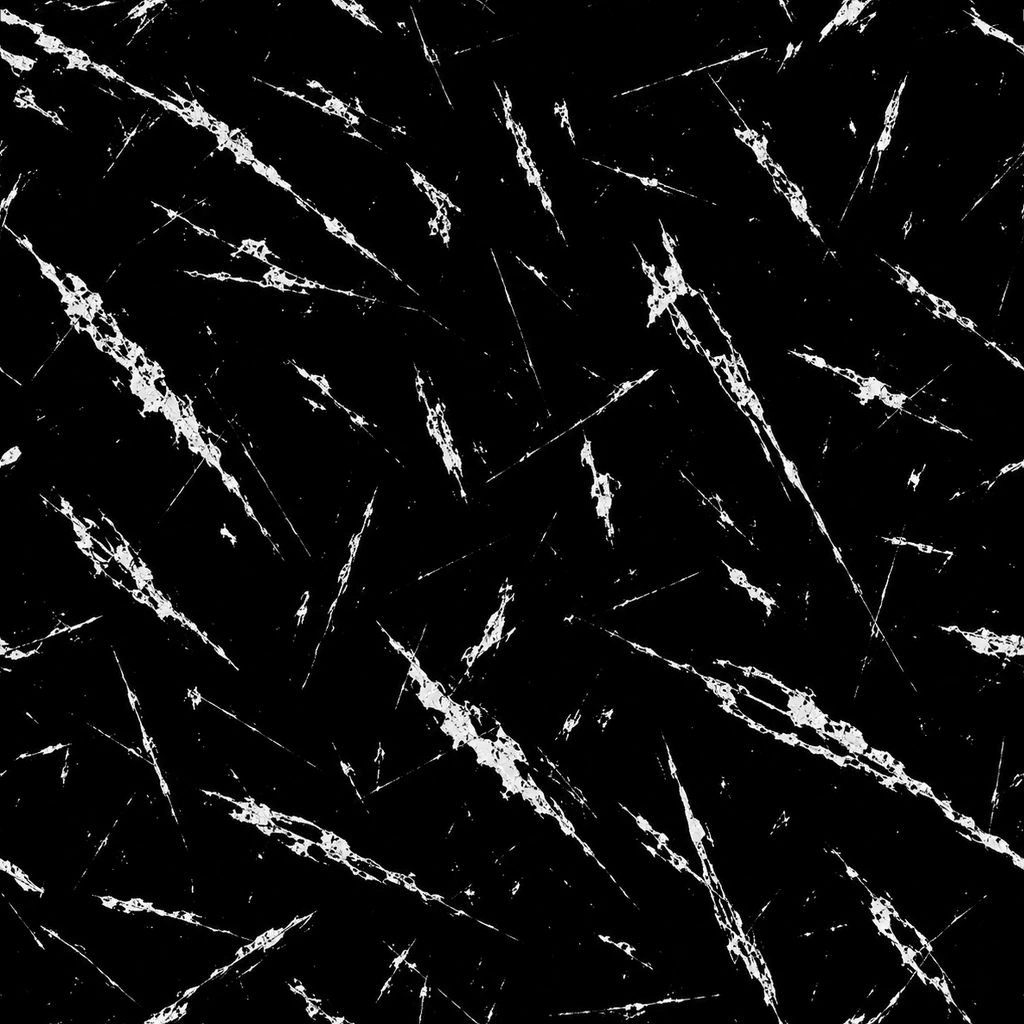
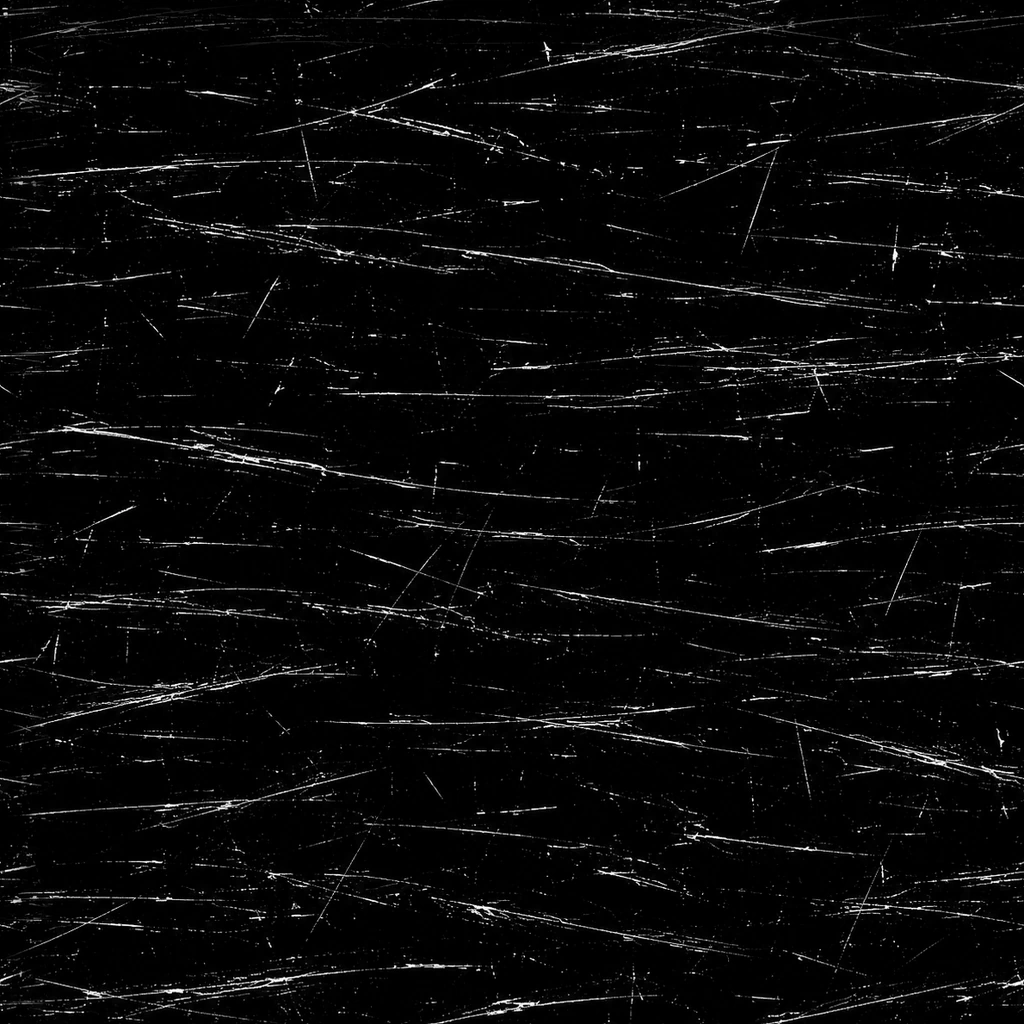
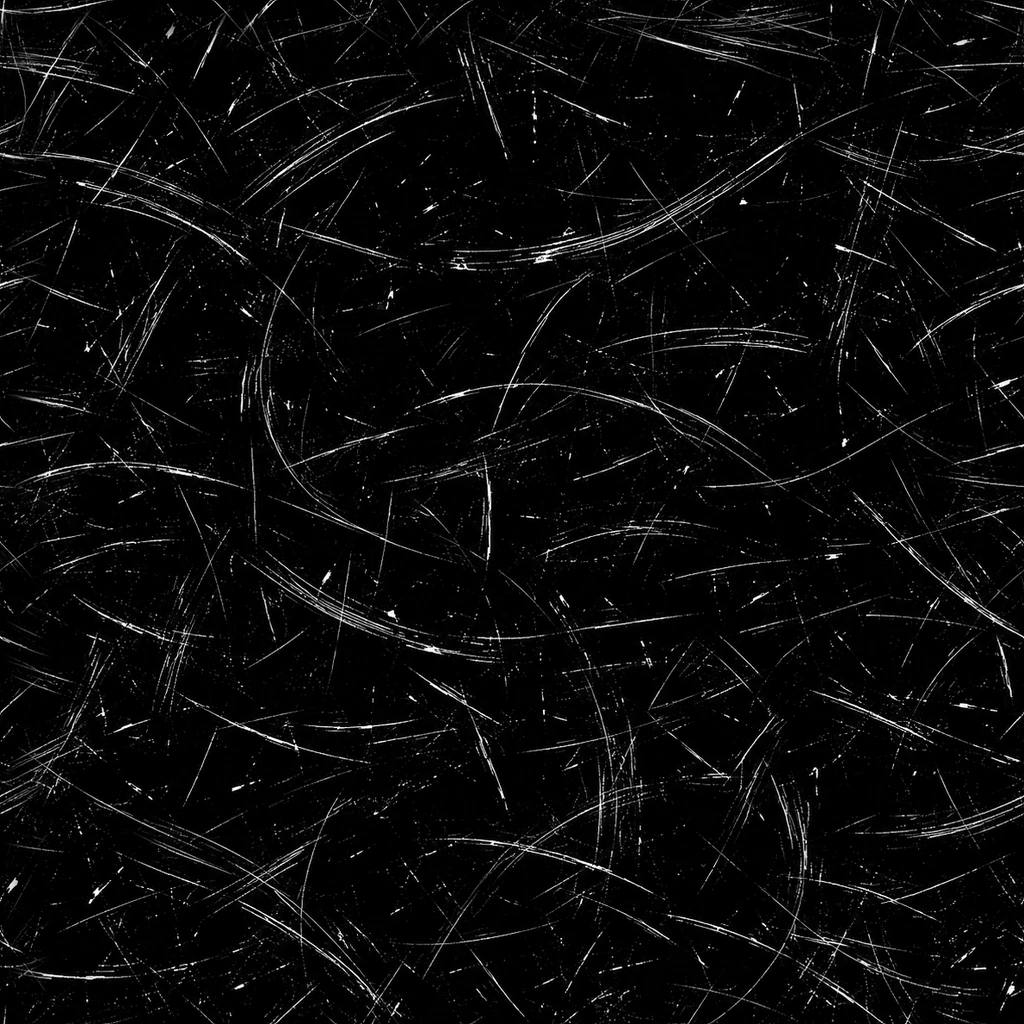
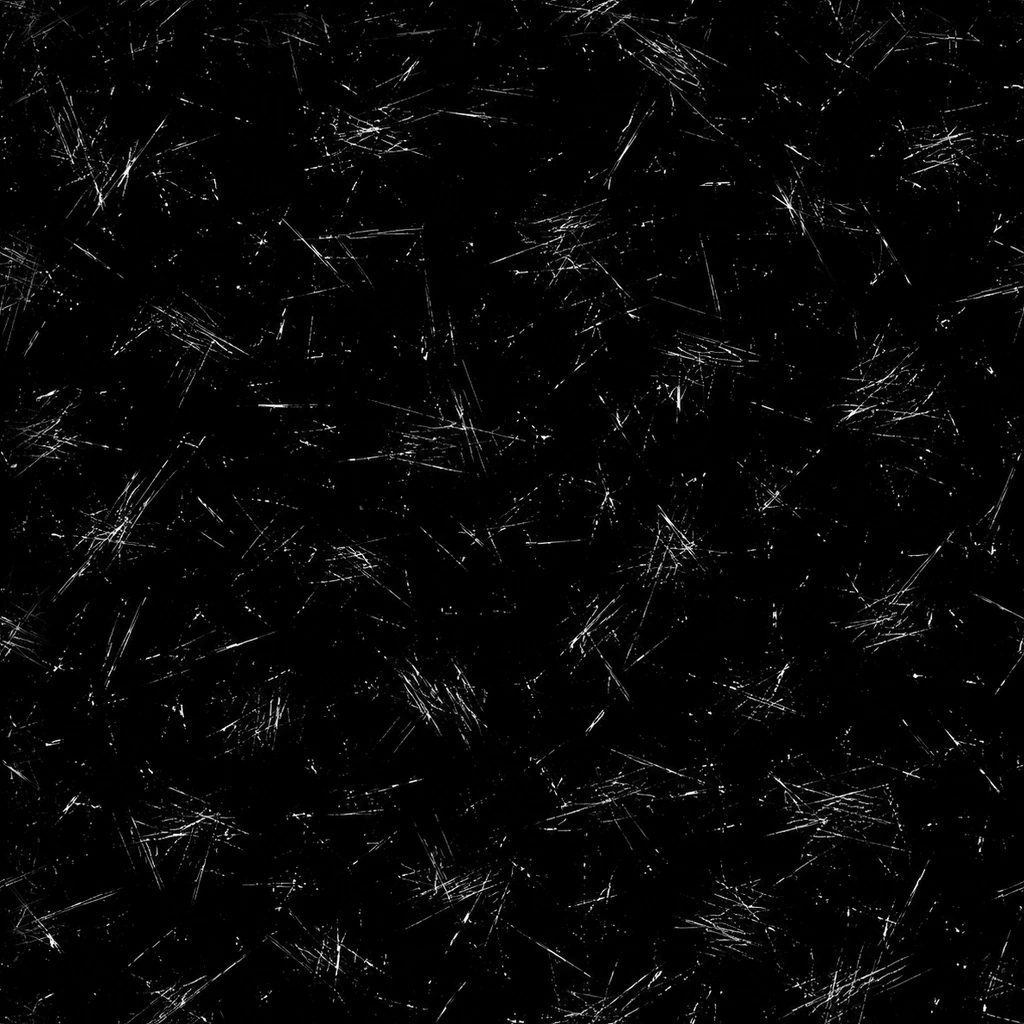
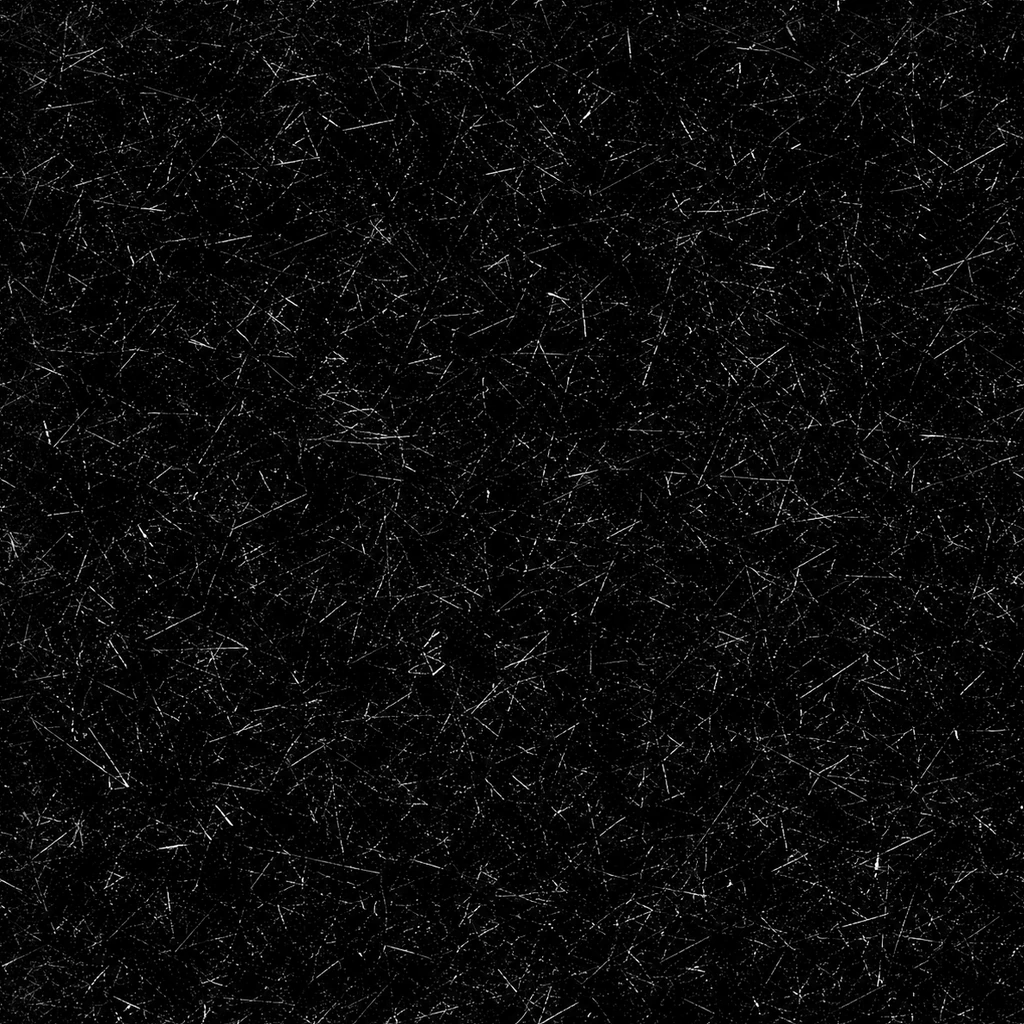
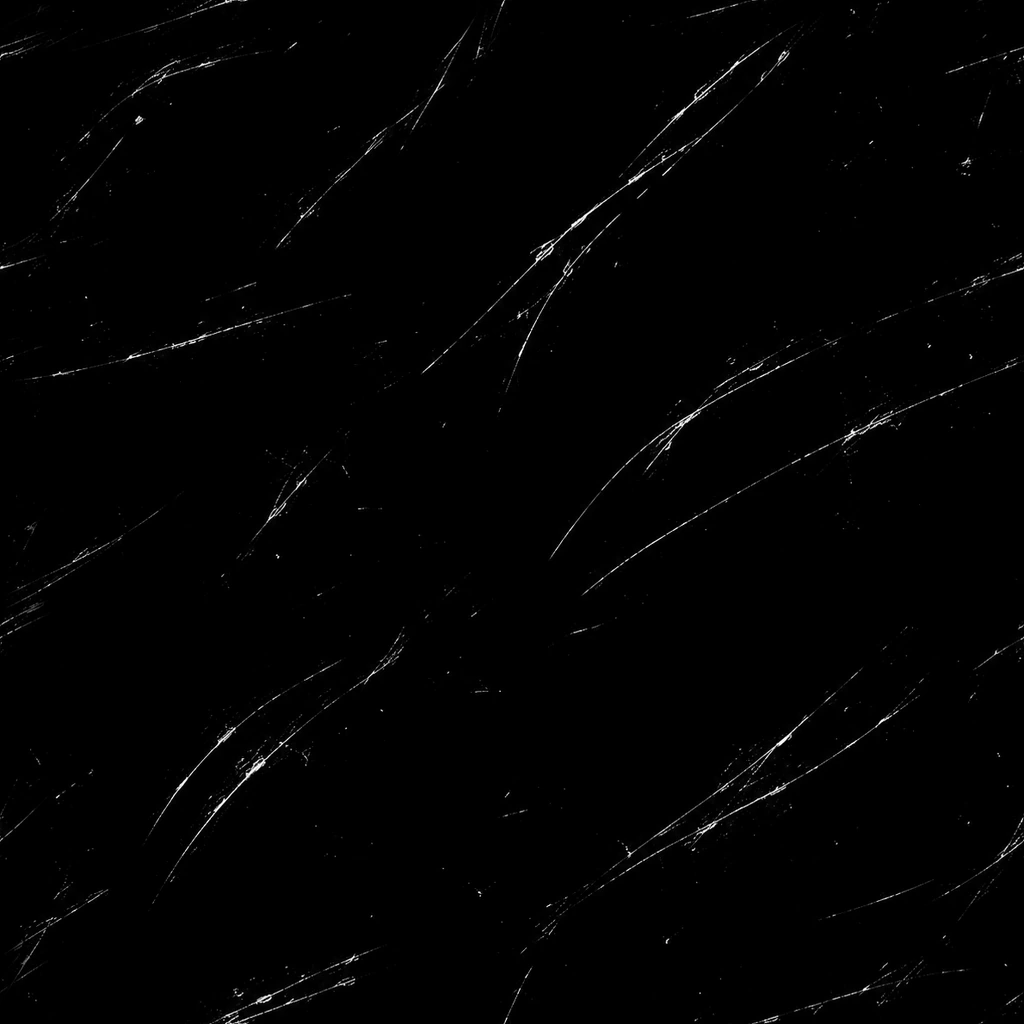
The cover shows all ten together, and the gallery has each mask on its own. The labels are on the previews only, never on the mask files.
Features:
- Ten distinct scratch designs, from sparse hairlines to dense abrasion and broad gouges
- Every mask in 1K, 2K and 4K (1024, 2048 and 4096 px)
- Seamless on both axes, so a mask repeats across large surfaces without visible joins
- Lossless 8-bit grayscale PNG, white scratches on an opaque black background
- Works as a wear, roughness, bump or blend mask, or as an overlay in a compositor
- Mask data only, not a full PBR material, so it slots into the material you’re already building
The ten masks:
- Hairline Wear – Sparse, delicate hairline scratches with generous black space
- Crosshatch Abrasion – Dense intersecting scratches and layered abrasion
- Deep Gouges – Broad, ragged slashes with chipped and broken edges
- Brushed Streaks – Fine elongated streaks with a loose horizontal direction
- Orbital Scuffs – Sweeping curved scuffs with varied arcs and radii
- Clustered Scrapes – Localized bundles of short scratches and drag marks
- Micro Abrasion – Dense, fine scratches for subtle accumulated wear
- Drag Marks – Long, gently curving drag scratches with varied pressure
- Chipped Scoring – Short broken scores and sharp chipped nicks
- Mixed Wear – Layered long scratches, gouges, arcs and small nicks
How to use it in Blender:
- Add an Image Texture node, open a mask and set its Color Space to Non-Color.
- Connect the Color output to the factor of a Mix Shader or Mix node to reveal a worn layer underneath, or to Roughness to break up the reflections.
- For grooves, run it into the Height of a Bump node and tick Invert so the scratches cut into the surface.
- Add a Color Ramp after the texture to control how many scratches show. Dragging the black stop to the right thins them out.
- The masks tile, so you can raise the Scale on a Mapping node to repeat one across a large surface without seams.
- In a compositor or image editor, use Screen or Add blending, or copy the luminance into a mask. Invert it if your software expects black scratch marks.
Perfect for:
- Worn metal, painted props and hard-surface models
- Weapons, vehicles, tools and machinery
- Game textures, as stencils or layers in your texturing app
- Scratch overlays for renders and photo compositing
For wear driven by the shape of your model, like edge wear and dirt around the base, Procedural Material Masks pairs well with these. Damaged Dark Steel is the kind of beaten-up metal they’re made for.
Included Files:
- 30 PNG masks in 1K, 2K and 4K folders, ten designs at each size
- The 2K and 4K files are enlarged from smaller masters, not native high-resolution captures