
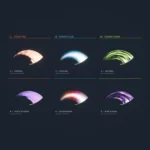

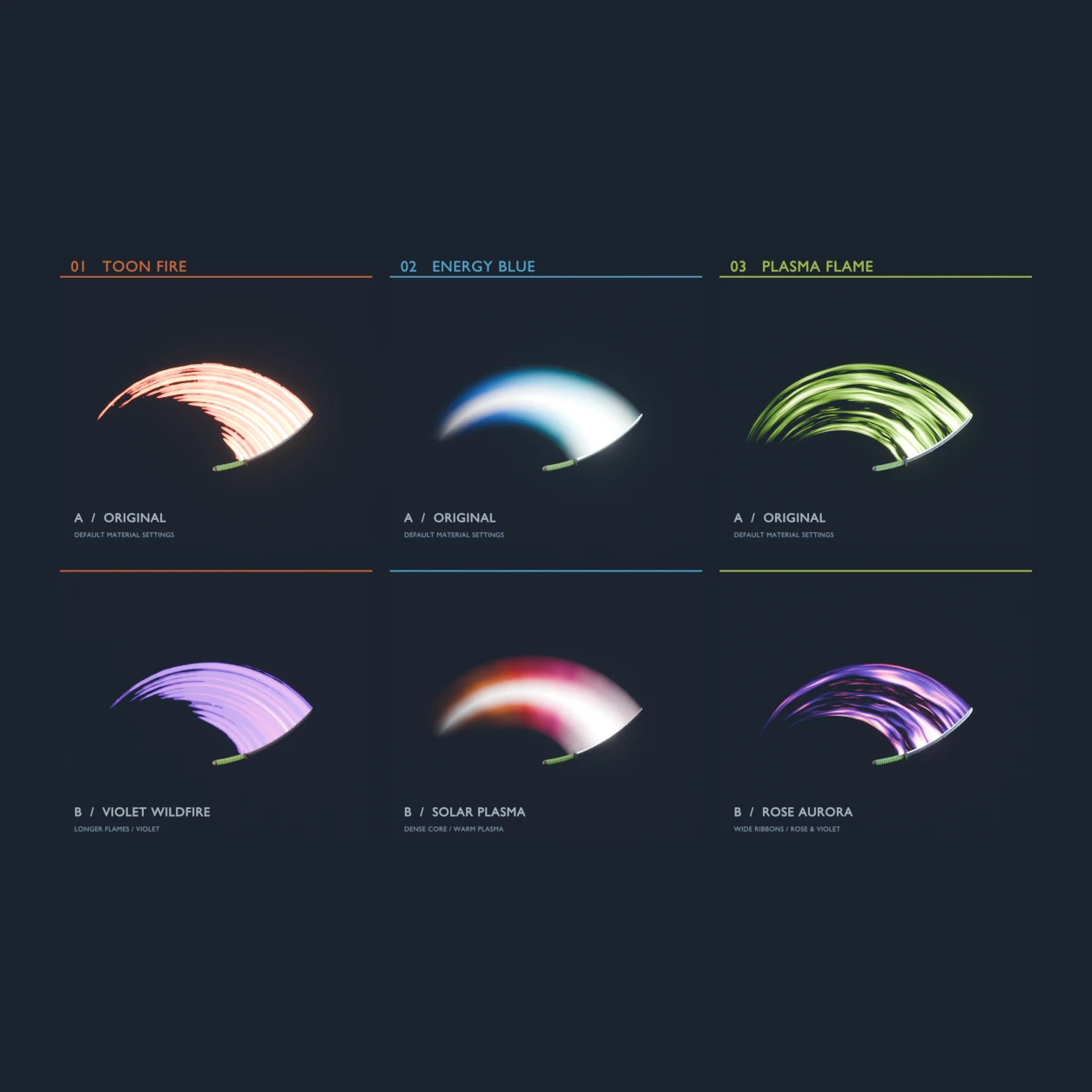
A ready-made Blender project showing the Sword Trail add-on’s three materials, each with a preset variation — six animated slash setups side by side.
Useful as a starting point: open it, pick the look closest to what you want, and copy the material or the modifier settings into your own scene.
What’s inside
- Toon Fire — default, plus a Violet Wildfire preset
- Energy Blue — default, plus a Solar Plasma preset
- Plasma Flame — default, plus a Rose Aurora preset
- Six animated katanas, lighting and camera already set up
- Self-contained — the node group and materials are inside the file, so it opens and renders without the add-on installed
Built in Blender 5.2. Requires Blender 5.0 or newer — the trail node group relies on features not present in earlier versions. The README for the add-on is included in the zip.
Tutorial:
Sword Trail – procedural slash trails in Blender
You probably want the add-on too
This project shows what the Sword Trail add-on produces. The add-on is what puts a trail on your own weapon in one click. Separate download:
Sword Trail – Blender Add-on