


A procedural starfield and nebula you can render as an HDRI
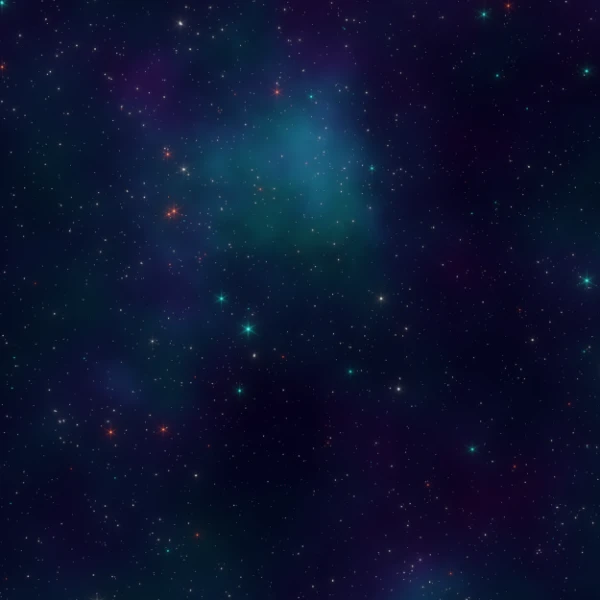
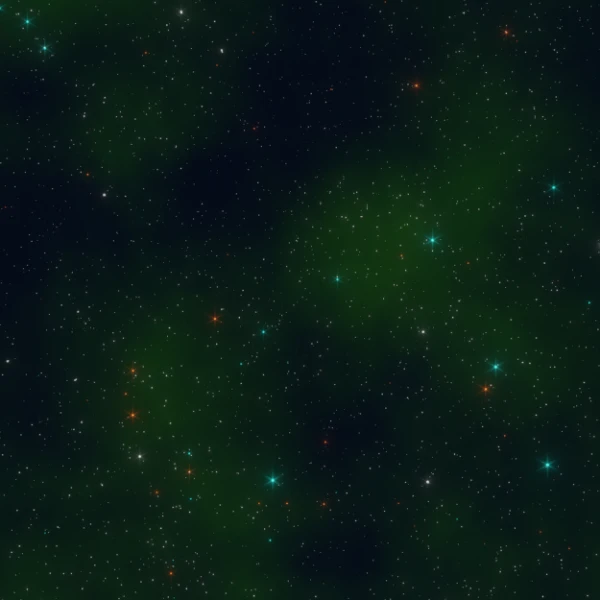
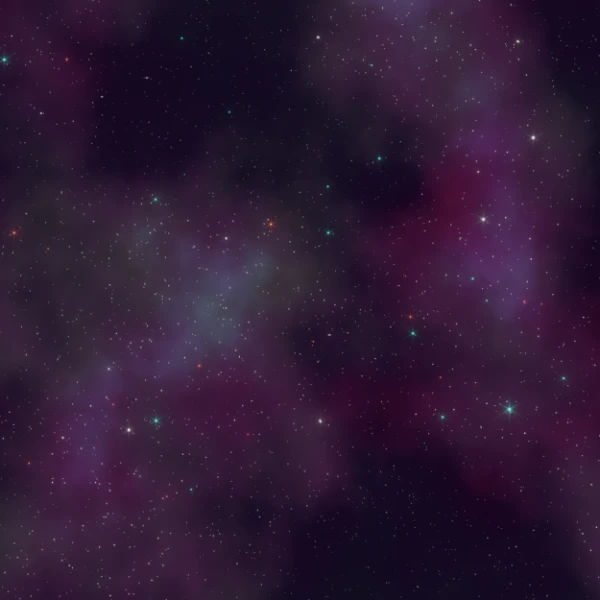
A procedural space background for Blender: five layers of stars, nebula dust and darker clear-space regions, all in one World node group. Nothing in it is an image, so it stays sharp at any resolution, and you can change the stars and the dust from the group’s inputs.
The gallery shows three looks made with the same node group. The file also has a 360° panoramic camera set to 14000 x 7000 pixels, so you can render the whole sky as an equirectangular image and use it as an HDRI in Blender, Unity or other software. The compositor adds a soft glare to the brightest stars.
Features:
- One World node group with every control on the outside
- Five independent star layers, each with Star Size, Strength and Detail
- Star Color for layers 1 and 2, cyan and orange by default
- Nebula dust with Dust Scale, Dust Intensity, Dust Color and Dust Color Variation Factor, plus From and To Min/Max remapping for contrast
- Clear Space From and To Min/Max to carve out darker, emptier regions
- Space Color for the base color of the void
- An equirectangular panoramic camera at 14000 x 7000 for rendering your own HDRI
How to use it:
- Use File > Append > World > World (Blender names it World.001 if your scene already has a world), then pick it in World Properties.
- Change the star layers and the dust in World Properties, or in the Shader Editor set to World.
- To make an HDRI, render the file with the included panoramic camera and save it as OpenEXR or Radiance HDR. How to Render Your Blender Scene as an HDRI walks through the steps and shows how to use it in other software.
- The camera is set to 14000 x 7000 pixels and 400 samples. Lower both for quick previews.
Perfect for:
- Sci-fi and space scene backgrounds
- Lighting and reflections for spaceship and planet renders
- Skyboxes for Unity and other game engines
- Motion graphics and title sequences
Included Files:
- Blender project (.blend) with the procedural space World and its node group
- An equirectangular panoramic camera at 14000 x 7000 and a compositor glare setup
- Fully procedural, with no image textures or external files
- Created in Blender 4.5
Watch the video tutorial: Create Your Own Space HDRI in Blender And Export to Unity.