
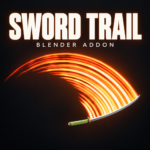
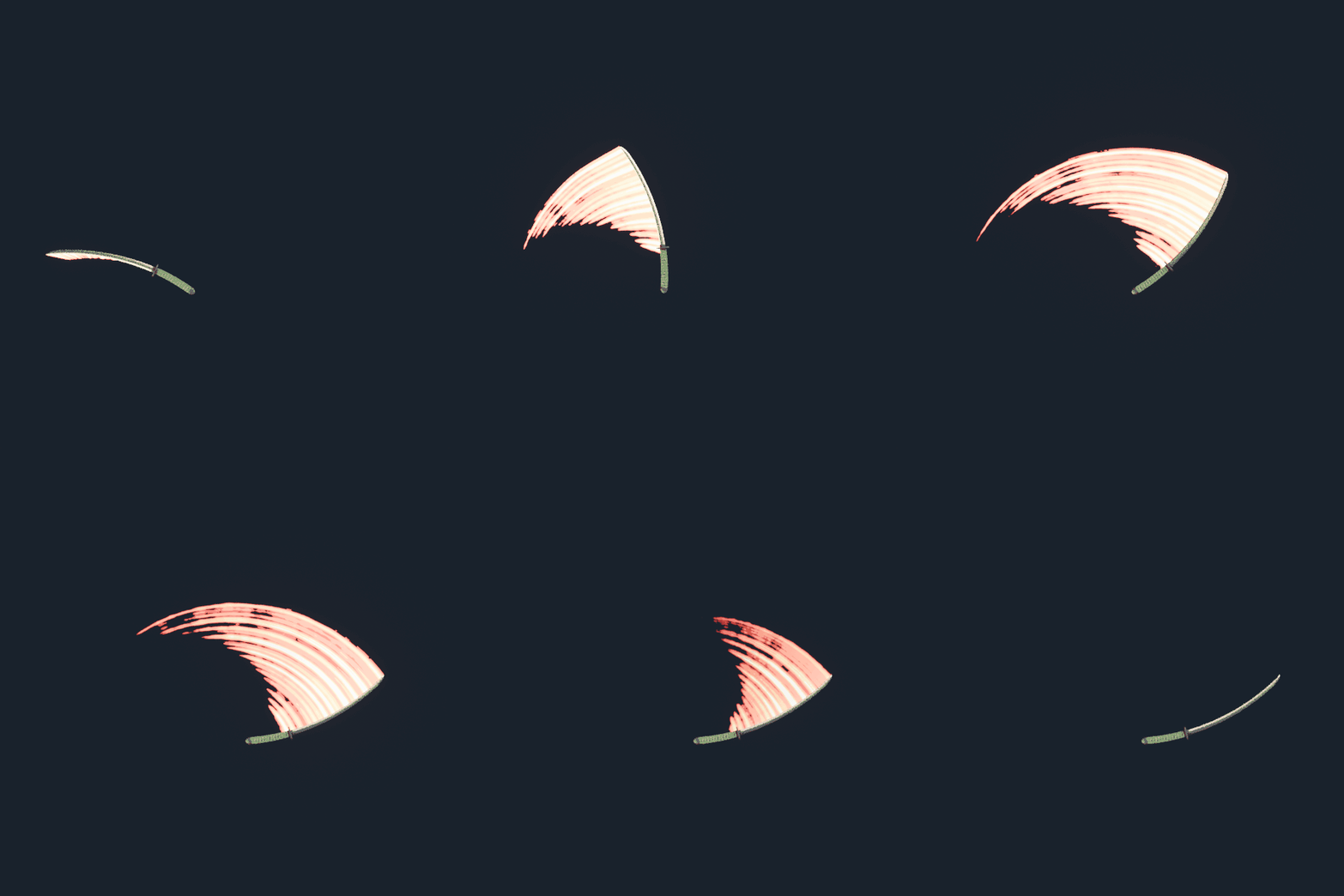
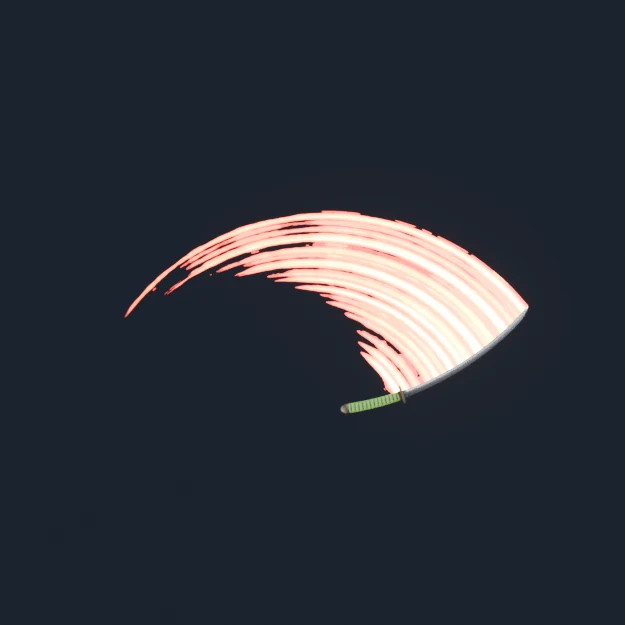

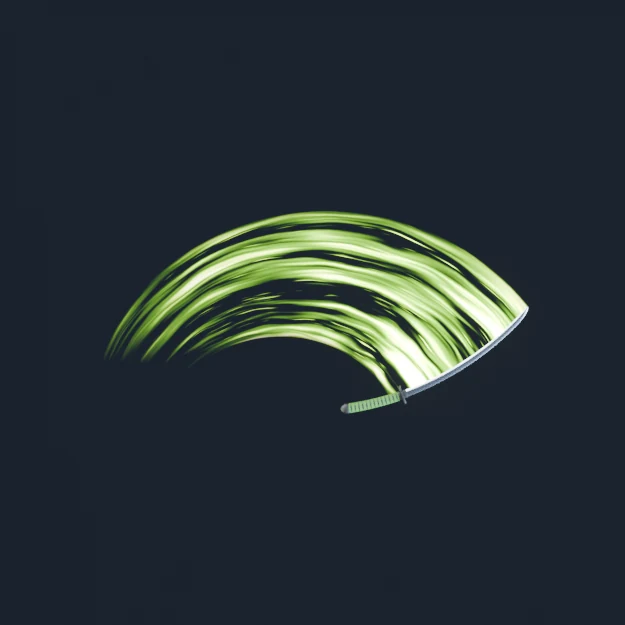
The Sword Trail add-on generates procedural slash trails in Blender using Geometry Nodes. Select your blade, click one button, and the add-on measures it, configures the modifier and assigns a material for you.
It reads where the blade is on every frame and builds the ribbon from that, so if you change the swing there is nothing to re-bake or re-offset.
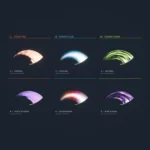
Ships with three trail materials, each with its own controls.
Requires Blender 5.0 or newer.
Built and tested in Blender 5.2
Feedback is welcome.
What the add-on does for you
- Adds and configures the Geometry Nodes modifier in one click
- Measures the blade automatically — long axis, grip end, point, and a mid vertex
- Detects curved blades and bows the trail to follow a katana or scimitar
- Places the modifier below your Armature modifier, so rigged weapons work
- Slash Start / Slash End buttons to keyframe the trail on and off per swing
- Edit Trail Material button, so the material opens in the Shader Editor
Controls
- Timing — trail length and fade out speed
- Shape — width, taper, base and tip offsets, smoothness
- Look — material and scroll speed
- Three materials with their own node groups: Toon Fire, Energy Blue and Plasma Flame — flame count and separation, core width, filament detail, opacity, emission, hue and saturation
- Every control has a tooltip
Good to know
- The trail is built by a simulation zone, so play forward from frame 1 to let it accumulate
- Keyframe the trail off between swings, or a combo smears into one continuous ribbon
- Works in both EEVEE and Cycles
Included file:
– Add-on zip. Drag it straight into Blender, no unzipping needed.
Tutorial:
Sword Trail – procedural slash trails in Blender
Also free: the material showcase project
A Blender project with all three materials and six preset setups, ready to open and pull apart. Separate download:
Slash Material Showcase – Blender Project