
Fine procedural leather
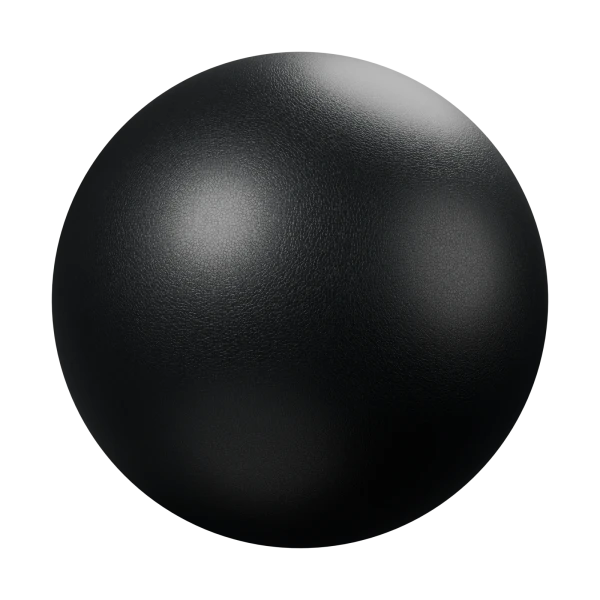
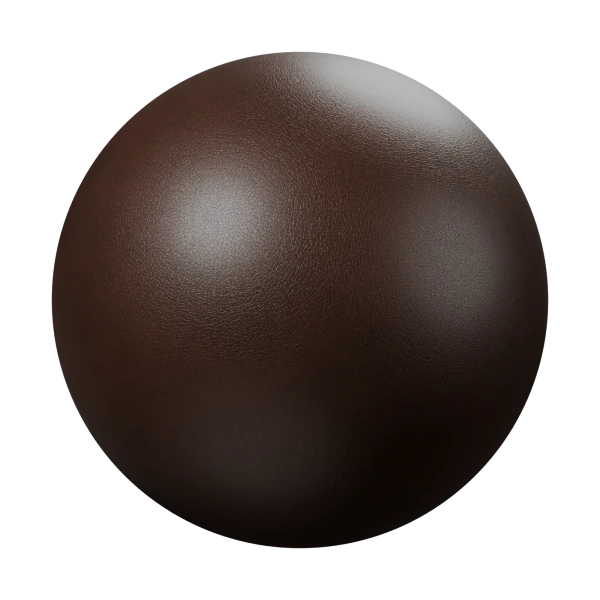
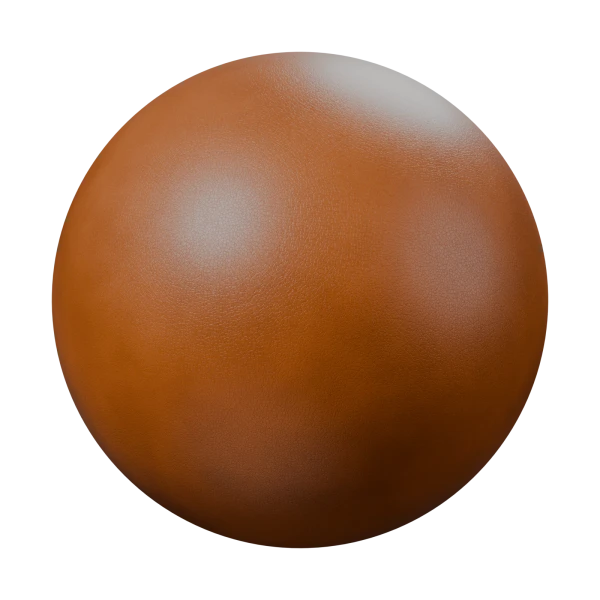
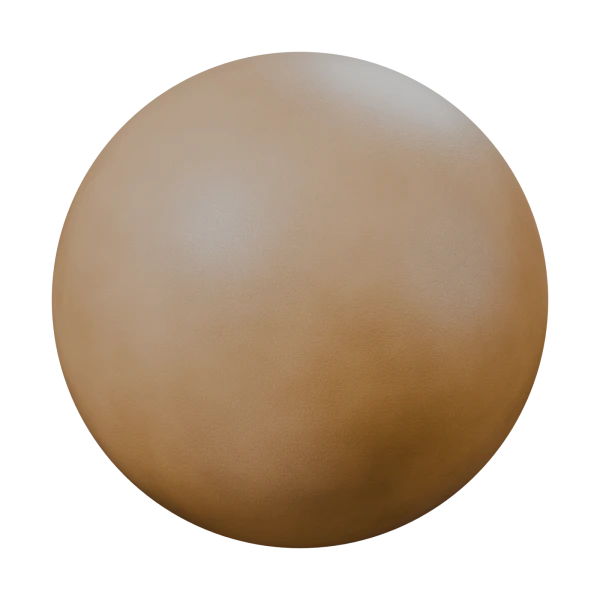
A procedural leather material for Blender with a fine pebbled grain, shallow pores, soft creasing and a satin finish. It comes in four dye presets, Black, Espresso, Cognac and Tan, which share one editable shader and differ only in Dye Color. It is built entirely from shader nodes and uses object coordinates, so it needs no image textures or UVs, and the 3D grain has no seams or stretched direction.
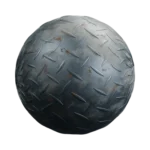
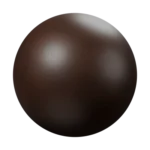
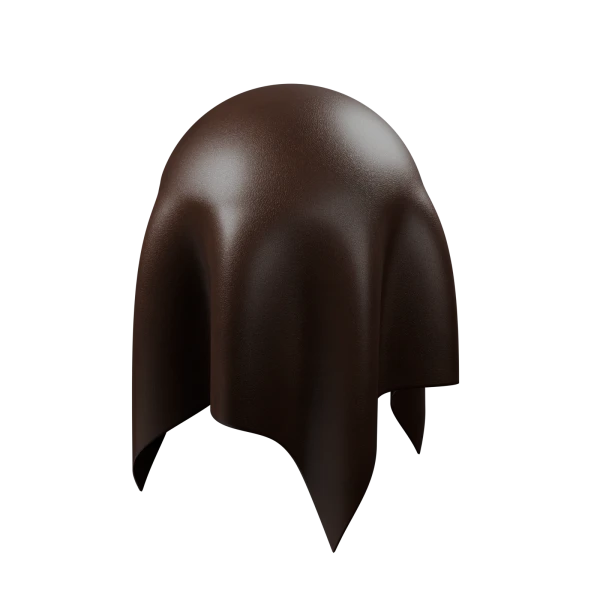
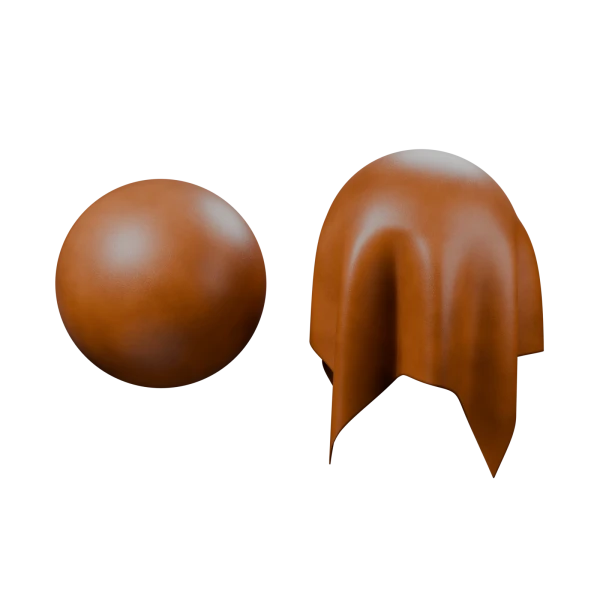
The gallery shows each preset on the 24 cm sample sphere, a folded leather drape in Espresso, and the studio scene with both samples in Cognac. All four presets use the same defaults: Grain Size 1.25 mm, Grain Definition 0.55, Grain Relief 0.045 mm, Pore Relief 0.008 mm, Crease Amount 0.15, Roughness 0.46 and Finish 0.3. The large folds in the drape come from the mesh, not the shader.
Features:
- Four leather materials driven by one Leather – Controls node group
- Scale and Seed for the overall pattern, and Dye Color to make your own color presets
- Color Variation for subtle dye density changes over larger areas
- Grain Size (mm) and Grain Definition to shape the small pebbled grain
- Grain Relief (mm), Pore Relief (mm) and Crease Amount for fine surface detail with bump shading
- Roughness, Roughness Variation and Finish, from a soft matte hide to a thin polished coating
- Shader, Base Color, Roughness, Normal, Height and Grain Mask outputs for custom setups or baking
- The four materials and the control group are marked as assets, ready for the Asset Browser
How to use it:
- Append a material with File > Append > Material > Leather – Cognac (or another preset), or drag it from the Asset Browser.
- Apply your object’s scale (Ctrl + A > Scale) so the millimeter controls behave as expected. The materials use object coordinates, so no UVs are needed.
- For a new color, duplicate a material and change Dye Color in its Leather – Controls node.
- For deforming meshes such as cloth or characters, plug a rest position coordinate into the Vector input so the grain stays on the surface.
- For game engines, bake the material onto your final model’s UVs, because procedural nodes do not export through FBX or OBJ.
Perfect for:
- Sofas, armchairs and car seats
- Bags, wallets, belts and shoes
- Jackets, gloves and other clothing
- Book covers, notebooks and product renders
Pair it with Procedural Oak Wood for furniture that mixes leather and wood.
Included Files:
- Blender project (.blend) with the four Leather materials and the Leather – Controls node group
- Three ready-to-render scenes: a 24 cm sample sphere, a folded leather drape and a studio shot with both, each with its own camera and area lights, no HDRI needed
- Fully procedural, with no image textures or external files
- Created in Blender 5.2