


A realistic procedural concrete material with no image textures
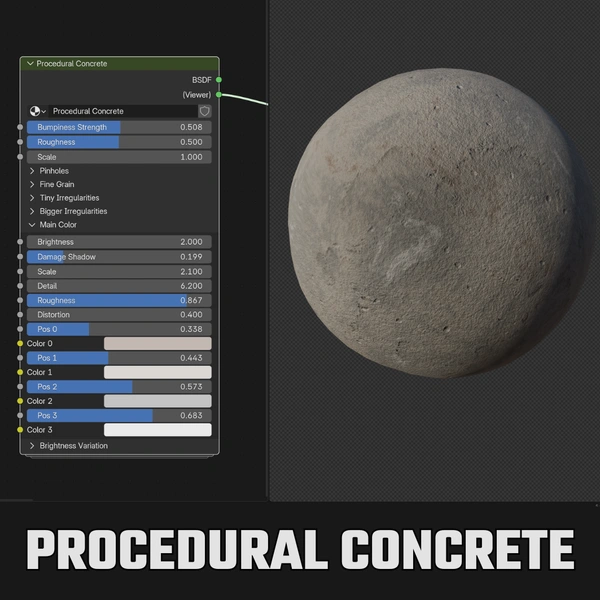
This concrete material is built entirely from nodes inside one “Procedural Concrete” node group, so it never stretches, never repeats like a tiling texture, and works at any resolution. Every layer of the surface has its own controls: fine grain, pinholes, larger imperfections, dirt and color.
Features:
- Fully procedural, no image textures to manage or lose
- Pinholes made from a Voronoi layer, with Hole Size and Randomness controls
- Several noise layers for fine grain and larger blotches, each with Scale, Detail and Roughness
- Imperfections Shadows and Brightness controls to push the surface from clean to grimy
- Four color stops exposed as inputs (Color 0 to Color 3), so you can tint the concrete from cool grey to warm sandstone without opening the node group
- Overall Roughness control
How to use it:
- Open the file or use File > Append > Material > Concrete in your own project.
- Assign the material to your object. For best results, apply the object’s scale (Ctrl + A > Scale) so the pattern size is consistent.
- Start with Scale to set the size of the concrete, then adjust the hole and imperfection layers.
- Use the four color inputs to match your scene.
Want to expose color ramp stops as inputs like this in your own materials? Try our free Color Ramp Converter add-on.
Perfect for:
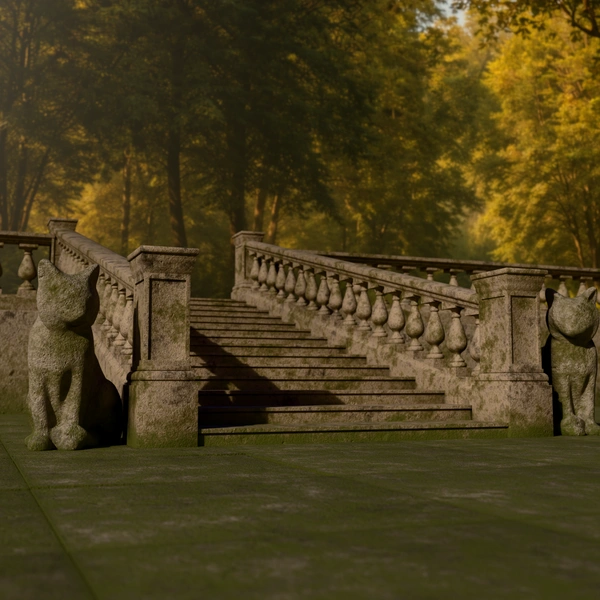
- Walls, floors, pillars and stairs in architectural scenes
- Brutalist and industrial environments
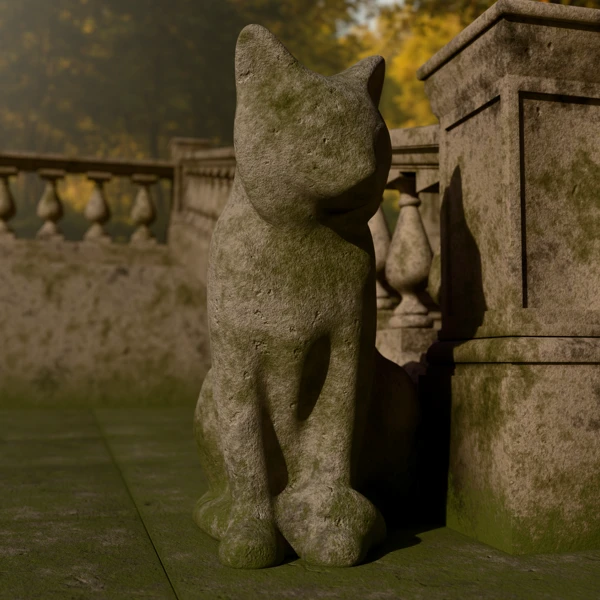
- Game and film set dressing that needs close-up detail
Included files:
- Blender project (.blend), created in Blender 5.1, with a demo sphere
- Models not included
Tutorial: