
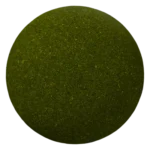
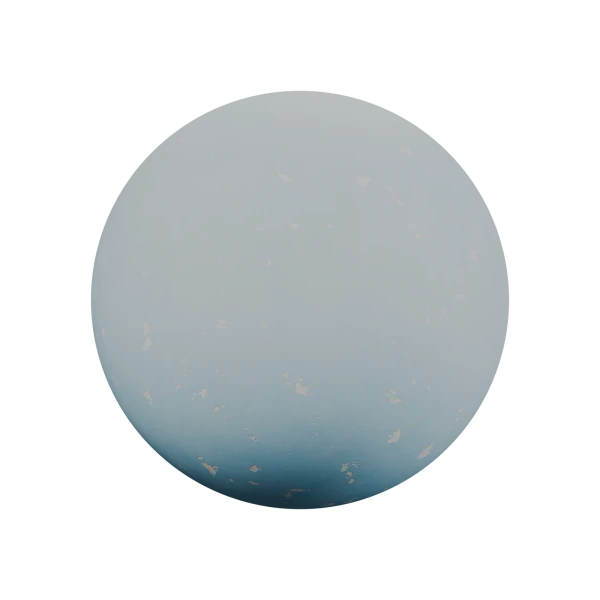
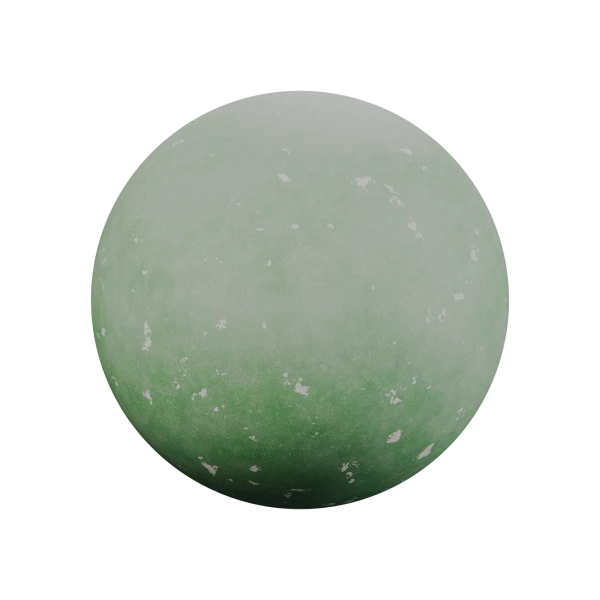
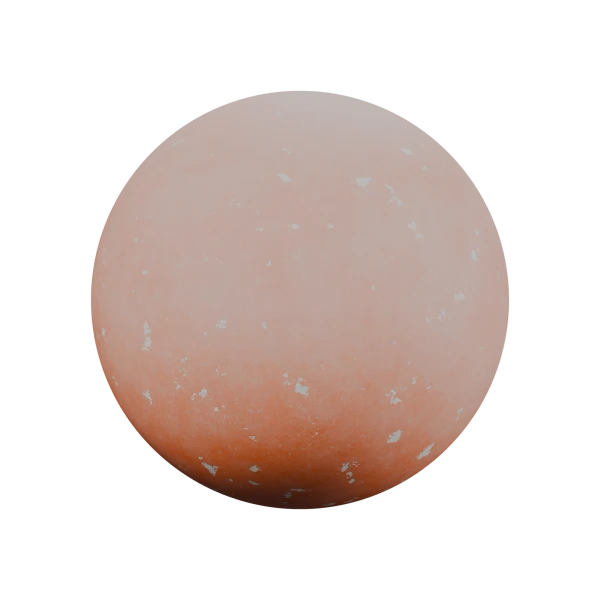
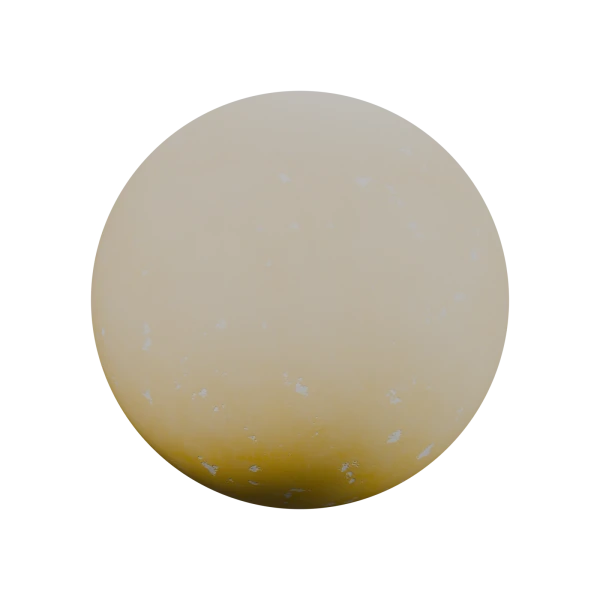
Painted plaster with chalky fading, brush marks and chipped paint
A procedural painted plaster material for Blender with four color presets: Light Blue, Green, Orange and Yellow. It combines matte pigment, uneven chalky fading, fine brush strokes and small chips where the bare plaster shows through. Everything is built from shader nodes and runs on object coordinates, so no image textures or UVs are needed.
The four presets share one control group and differ only in Paint Color, so the gallery spheres use the same detail and lighting. The defaults use Paint Loss 0.29, Fading 0.14, Scuff Amount 0.28 and Roughness 0.7.
Features:
- One Painted Plaster – Controls node group shared by all four color presets
- Paint Color and Plaster Color, with Fading and Color Variation for uneven, chalky pigment
- Paint Loss and Chip Size (cm) for exposed plaster patches and pinholes, or 0 to turn them off
- Scuff Amount for fine abrasion and pale worn streaks
- Brush Density, Stroke Length (cm), Brush Rotation and Brush Strength for short paint strokes and shallow ridges
- Plaster Grain and Relief (mm) for the mineral texture underneath, using bump shading
- Roughness and Roughness Variation for a matte finish with subtle changes in reflectivity
- Base Color, Roughness, Normal and Wear Mask outputs for custom shading or baking
- The four materials and the control group are marked as assets, ready for the Asset Browser
How to use it:
- Append the material with File > Append > Material > Painted Plaster – Light Blue, Green, Orange or Yellow, or drag it from the Asset Browser.
- Apply your object’s scale (Ctrl + A > Scale). Sizes are in meters and use object coordinates, so no UVs are needed.
- Set your own Paint Color, then adjust Paint Loss and Scale in the Painted Plaster – Controls group to suit your wall.
- For game engines, bake the material onto your final model’s UVs, because procedural nodes do not export through FBX or OBJ.
Perfect for:
- Interior and exterior walls in archviz scenes
- Old houses, shops and street scenes
- Painted columns, plinths and architectural details
- Realistic and stylized game environments
Need more damage or a bare wall? Try Peeling Paint or Realistic Procedural Concrete.
Included Files:
- Blender project (.blend) with the Light Blue, Green, Orange and Yellow materials and their shared node group
- A 40 cm sample sphere and a 42 cm wall swatch, each with a camera and softbox lighting, no HDRI needed
- Fully procedural, with no image textures or external files
- Created in Blender 5.2